Updated August 2026
“Should I install this update?” has two different answers depending on which kind of update it is — and confusing them is how people end up either insecure or stuck with a phone that runs worse than it did.
The two kinds of update
| Security update | Major OS version | |
|---|---|---|
| Size | Small | Large |
| Frequency | Regular | Roughly annual |
| What it changes | Patches vulnerabilities | New features, new interface |
| Risk of problems | Very low | Moderate |
| Should you wait? | No — install promptly | Yes — wait a week or two |
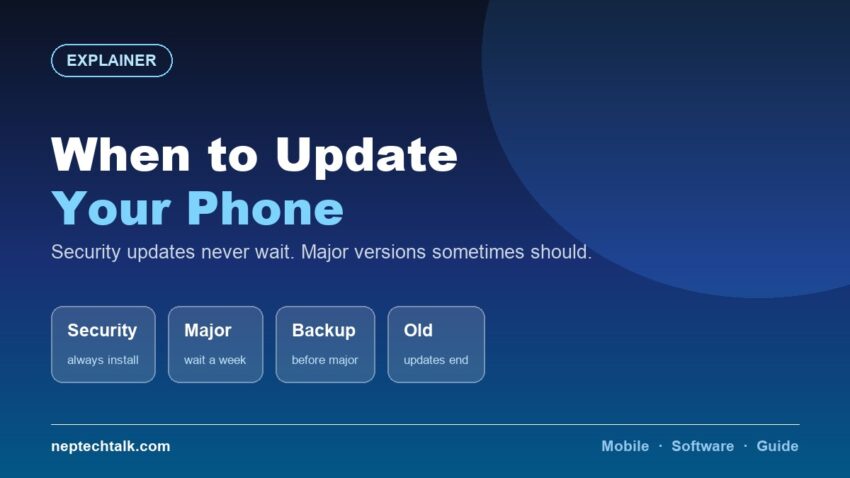
This distinction is the entire answer.
Security updates: install them
Always, promptly.
Security patches fix vulnerabilities that are already publicly known by the time the patch ships. Delaying leaves you exposed to problems that have already been documented.
They are small, quick and very rarely cause problems. There is no sensible reason to defer them.
This is also why the software update commitment matters when buying a phone — our buying guides consistently recommend asking how many years of security updates a model will receive. A phone that has stopped receiving them is accumulating known, unpatched vulnerabilities.
Major OS versions: wait a little
Wait one to two weeks after release.
Why:
- Early bugs get found and fixed in a quick follow-up patch
- Battery life often regresses immediately after a major update and settles within days as the system re-indexes and re-learns usage patterns
- App compatibility issues surface and get resolved
- Other people’s reports tell you what to expect on your specific model
Then install it. Do not skip major versions indefinitely — they eventually carry security fixes too, and skipping several makes the eventual jump larger and more disruptive.
Before a major update
- Back it up. Our backup guide covers doing this properly — photos, contacts, messages and app data.
- Ensure adequate free storage. Updates need working space, and as our storage explainer notes, a nearly full phone struggles anyway.
- Charge above 50%, or keep it plugged in
- Use Wi-Fi, not mobile data — major updates are large
- Allow time. Do not start a major update ten minutes before you need the phone.
Should you update an old phone?
Yes, if updates are still offered — with one honest caveat.
Major OS versions occasionally run less smoothly on older hardware. If your phone is at the end of its supported life and already feels slow, a major version update may make it slower.
Security patches, however, should always be installed regardless of the phone’s age. They are small and they do not affect performance.
If your phone has stopped receiving updates entirely, that is a genuine reason to consider replacing it — and a reason to check the remaining support runway when buying used, as our second-hand guide and last year’s flagship guide both cover.
What updates do not fix
Being clear about this saves disappointment:
- A degraded battery. Software cannot restore lost capacity. Our big-battery guides cover the habits that slow degradation — charge to 80%, keep it cool.
- Insufficient RAM. A 4GB phone does not become a 6GB phone.
- A full storage drive — see our storage guide
- Physical damage
- A weak chipset
If your phone is slow, check storage and background apps before blaming the software version.
Frequently asked questions
Should I install security updates immediately? Yes, always. They patch vulnerabilities that are already publicly known, and they very rarely cause problems.
Should I wait before a major OS update? Wait one to two weeks so early bugs are fixed and other users report their experience. Then install it.
Will an update fix my battery life? No. Software cannot restore lost battery capacity. Battery life often dips briefly after a major update and settles within days.
Should I update an old phone? Always install security patches. Be more cautious with major OS versions on hardware at the end of its supported life.
What if my phone no longer gets updates? That is a genuine reason to consider replacing it — an unpatched phone accumulates known vulnerabilities.
The bottom line
Install security updates immediately, always — they are small, safe and patch problems that are already public. Wait one to two weeks on a major OS version, back up first, and then install it. And if your phone has stopped receiving updates altogether, treat that as a real reason to replace it.