Checked August 2026. Free-tier limits and features change frequently.
Nepali creators are producing more video than ever on phones alone — and the editing tools have quietly become good enough that the bottleneck is ideas, not software. Here is the honest AI video editing app stack for creators working in Nepal.
The core tools
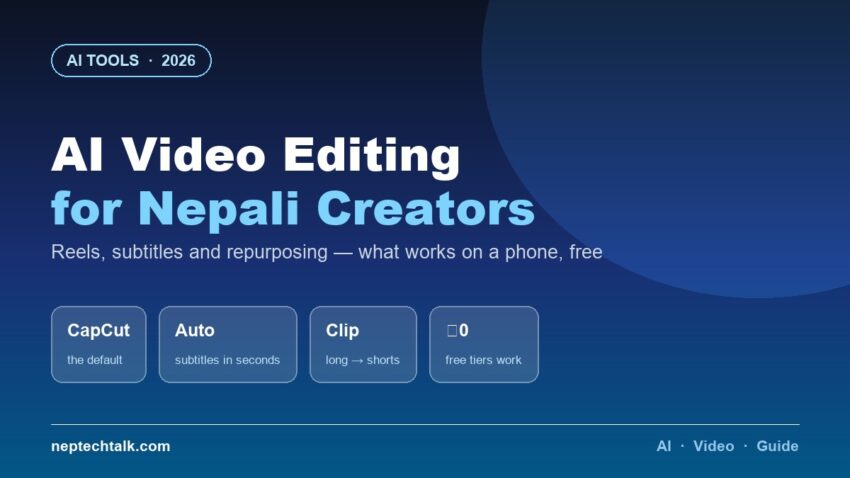
1. CapCut — the default, and deservedly. Free, phone-first, and its auto-captions are the single most valuable AI feature for Nepali creators: subtitles generated in seconds, editable, stylable. Reels and TikToks with burned-in subtitles measurably outperform those without, because most viewing happens on mute.
Nepali-language auto-captions work but need correction — budget two minutes of editing per minute of speech. English and Nepanglish transcribe far more accurately.
2. VN Video Editor — for people who outgrew CapCut. More timeline control, no watermark, still free. The step up when you want precision rather than templates.
3. Opus Clip / similar long-to-short tools — the repurposing engine. Feed a long video (a podcast, a lecture, a product explainer) and get suggested short clips with captions. For Nepali creators repurposing YouTube into Reels and TikToks, this collapses hours into minutes. Free tiers are limited but real.
4. Your phone’s built-in editor — for quick trims and speed changes, nothing loads faster.
5. Canva for video — templates, intros, lower-thirds. Best when the output needs graphics more than editing.
The workflows that matter in Nepal
| Goal | Workflow |
|---|---|
| Daily Reel/TikTok | Shoot vertical → CapCut → auto-captions → correct Nepali text → export |
| Long video → shorts | Opus Clip suggestions → CapCut polish → captions per platform |
| Product demo for shop | Phone video → CapCut trim + text overlays → see our shopkeeper AI guide |
| Talking-head cleanup | VN for cuts → CapCut for captions → light colour |
| Thumbnails | Not video — see our AI photo editing guide |
The honest limits
- Nepali auto-captions need human correction. Always. Publishing uncorrected Nepali subtitles reads as careless.
- AI voice cloning and face-swap tools are widely available and widely misused — the AI scams landscape in Nepal is worth understanding before you experiment.
- Watermarks and export limits on free tiers are real; check before building a workflow you cannot finish.
- Phone storage fills fast with 4K exports. Our budget phone guides explain why 256GB is the sensible baseline for creators.
- Data cost — cloud-based tools upload full videos. On mobile packs, that is expensive; prefer on-device editing and upload only finals.
Frequently asked questions
What is the best free AI video editing app? CapCut, for most Nepali creators — free, phone-first, and its auto-captions are the highest-value feature in the category.
Does auto-caption work in Nepali? Yes, imperfectly. It gives you a usable starting transcript that needs correction. English and Nepanglish transcribe more accurately.
Which app turns long videos into shorts? Opus Clip and similar tools suggest clips and add captions automatically. Free tiers are limited but usable for testing.
Do I need a laptop to edit video? No. A mid-range phone with 256GB storage handles a full Reels/TikTok workflow comfortably.
How do I avoid watermarks? VN exports without watermarks free; CapCut’s watermark appears on certain templates — remove or replace the end card before exporting.
The bottom line
The AI video editing stack for Nepali creators is CapCut for captions and speed, VN for control, and a long-to-short tool for repurposing — all free, all phone-capable. The AI does the tedious work; correcting Nepali subtitles remains yours, and that two minutes per video is what separates professional-looking output from obviously automated. Checked August 2026.