Checked August 2026. Free-tier limits change frequently.
Search “AI thumbnail generator” and you will find dozens of tools promising click-worthy thumbnails in one prompt. Most produce images that look impressive and perform badly. Here is what actually works for Nepali creators — and why.
The uncomfortable truth first
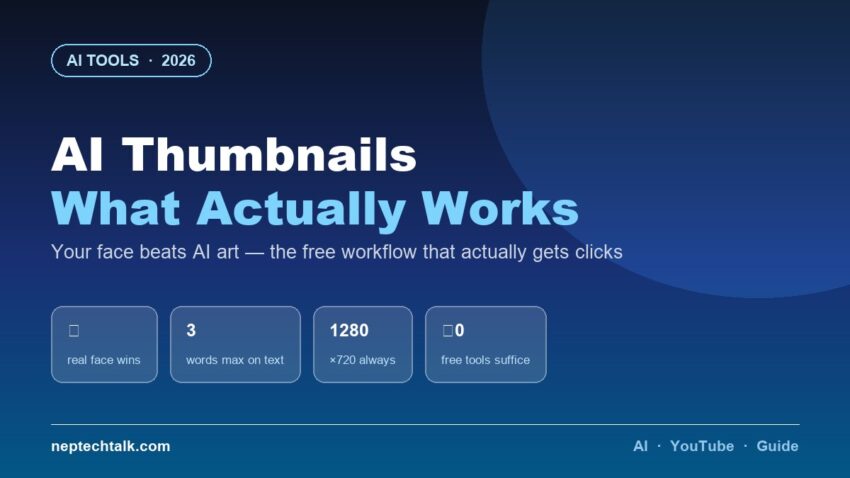
A real photograph of your own face, well-lit and clearly expressive, outperforms AI-generated art in almost every category. Viewers click on people they recognise or find relatable, not on illustrations. Every successful Nepali channel demonstrates this.
That does not make AI useless for thumbnails — it changes what you use it for.
Where AI genuinely helps
1. Background removal and replacement. Cut yourself out of a cluttered room and place yourself against a clean gradient or relevant scene. This is the highest-value AI thumbnail task, and it is free in Canva, in your phone’s editor, and in Google Photos.
2. Background generation. When the video is about a place, product or concept you cannot photograph, AI-generated backgrounds behind your real face work well.
3. Object cleanup. Erase distractions from an otherwise good photo — the same tools covered in our AI photo editing guide.
4. Text and layout suggestions. Canva’s AI features suggest layouts and text treatments faster than starting blank.
5. Variations for testing. Generate three text/colour variants quickly, then let performance decide.
Where AI fails
- Fully AI-generated thumbnails look generic and increasingly recognisable as AI — which is now a negative signal for many viewers.
- AI-generated faces land squarely in the uncanny valley and destroy trust.
- AI text rendering remains unreliable, especially in Devanagari. Add text yourself, in a real editor.
- Prompt-to-thumbnail tools producing complete images rarely match your video’s actual content — mismatch increases clicks and destroys watch time, which YouTube punishes.
The free workflow that performs
- Photograph your face in daylight against any wall — one clear, exaggerated expression. Take twenty; keep the best.
- Remove the background in Canva or your phone’s editor.
- Place on a high-contrast background — bold single colour or a relevant AI-generated scene.
- Add three words maximum, in a heavy font, high contrast against the background. Nepali or English, whichever your audience thinks in.
- Export at 1280×720, under 2MB.
- Check it at thumbnail size — shrink it on your phone. If the text is unreadable at that size, it fails. Most beginner thumbnails fail here.
Our AI video editing guide covers the rest of the creator workflow.
The Nepali-specific notes
- Devanagari text in thumbnails must be even larger and bolder than Latin script to remain legible when shrunk. Test on a phone, always.
- Faces perform strongly in Nepali content — the market has not tired of them the way some Western niches have.
- Avoid clickbait mismatch. Nepal’s audiences are small and reputational; a thumbnail that oversells costs you a subscriber permanently.
Frequently asked questions
What is the best AI thumbnail generator? For actual performance: Canva’s free tier with background removal, using your own photo. Fully automated prompt-to-thumbnail tools underperform.
Should I use AI-generated faces in thumbnails? No. They read as artificial and damage trust — the opposite of what a thumbnail must do.
What size should a YouTube thumbnail be? 1280×720 pixels, 16:9, under 2MB.
Do thumbnails need text? Usually yes — three words maximum, large enough to read at phone-thumbnail size.
Can I make thumbnails on a phone? Entirely. Canva’s mobile app plus your phone’s photo editor covers the whole workflow — no laptop needed.
The bottom line
AI thumbnail generators work best as assistants, not authors: background removal, scene generation and layout help around a real photograph of your real face. Add your own text, check it at thumbnail size, and never let the image promise what the video does not deliver. Free tools do all of this. Checked August 2026.