Updated August 2026. Menu names vary between brands and versions — the principles apply generally.
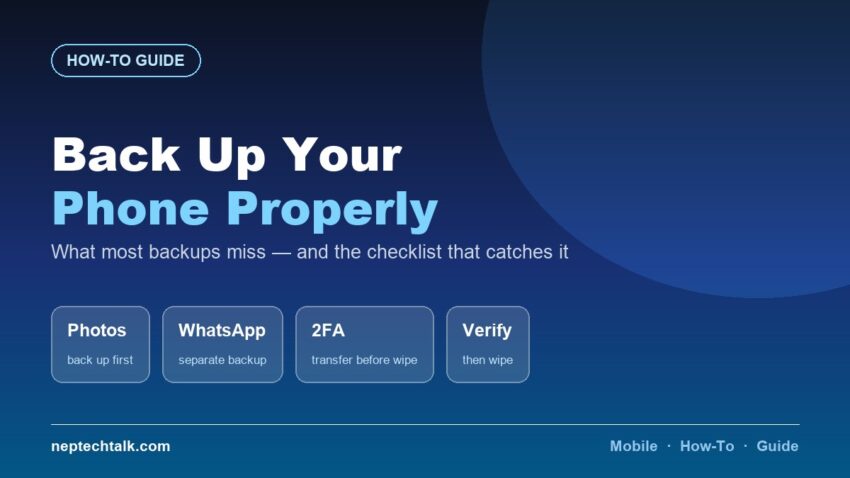
Most people lose something when they change phones, and it is almost always one of the same three things. Here is how to back up your phone before switching, with the items standard backups miss.
The three things people actually lose
1. Two-factor authentication codes. This is the worst one, and the least anticipated. If your authenticator app is only on the old phone and you wipe it, you can be locked out of accounts entirely — email, banking, work systems.
Transfer or export your authenticator BEFORE wiping the old phone. Most authenticator apps have an explicit transfer or export function. Use it, and verify it worked on the new phone before wiping the old one.
2. WhatsApp and messaging history. WhatsApp does not back up through your phone’s standard backup. It has its own backup, and transferring between Android and iPhone is a separate process. Do the WhatsApp backup deliberately, and check the date on it.
3. App data that does not sync. Notes in local apps, offline game progress, documents saved only on the device.
The full checklist
Before you do anything else:
- Photos and videos. Back up to cloud storage or copy to a computer. Verify the count matches — do not assume.
- Contacts. Confirm they are synced to your account, not stored only on the device or SIM.
- WhatsApp / Viber / Messenger. Each has its own backup process. Run them and check the timestamp.
- Authenticator apps. Transfer or export. Verify on the new phone before wiping the old one.
- Notes and documents — anything stored locally
- Downloaded music and files
- Browser bookmarks and passwords — sync to your account
- Any app with local-only data — think through what you actually use
Then:
- Run the phone’s own full backup — most Android phones and iPhones offer one
- Note which apps you have installed, so you can reinstall the ones that matter
Transferring to the new phone
Both Android and iPhone offer a guided transfer process during setup, and it handles most of the work — apps, settings, contacts and often photos.
Use it. But treat it as the starting point, not the whole job:
- Complete the guided transfer first
- Then check WhatsApp specifically — restore its own backup
- Then set up your authenticator from the transfer you already verified
- Then check that photos are all present, by count
- Then sign into apps individually and check anything with local data
Android to iPhone or iPhone to Android is more involved. Allow proper time, and expect some app data not to transfer.
Before wiping the old phone
Do these in order. This sequence matters.
- Verify everything is on the new phone. Actually check — open the apps, count the photos.
- Keep the old phone for a week before wiping it, if you can. Something always surfaces.
- Sign out of every account — this is the step people skip
- Remove it from your account’s device list
- Remove the SIM and any memory card
- Then factory reset
Signing out before resetting is critical. As our second-hand buying guide covers, a phone still linked to your account can be locked remotely — which makes it worthless to whoever you sell or give it to.
If you are selling or giving away the old phone
Our e-waste guide covers the wider picture, and our resale guide covers getting a good price. The essentials:
- Sign out first, then factory reset — in that order
- Ensure encryption was on before resetting, so erased data is genuinely unrecoverable
- Keep the box, bill and accessories — they are worth real money
- Be ready to demonstrate battery health to the buyer
What to do now, before you need it
The best backup is the one already running.
- Turn on automatic photo backup to cloud storage today
- Ensure contacts sync to your account, not just the device
- Enable your messaging app’s automatic backup
- Know how to export your authenticator before you need to
A phone that is lost or stolen gives you no opportunity to back it up. Our find my phone guide covers what to do then — but the backup has to already exist.
Frequently asked questions
What do people most often lose when switching phones? Authenticator app access, WhatsApp history and local app data. Standard backups miss all three.
Does my phone backup include WhatsApp? No. WhatsApp has its own separate backup, and moving between Android and iPhone is a separate process again.
What about my two-factor authentication codes? Transfer or export your authenticator before wiping the old phone, and verify it works on the new one first. Otherwise you can be locked out of accounts.
Should I wipe the old phone immediately? No. Verify everything on the new phone first, and keep the old one a week if you can. Then sign out of accounts before factory resetting.
Why sign out before resetting? A phone still linked to your account can be locked remotely, making it useless to a buyer.
The bottom line
Back up your photos, your messaging app and your authenticator separately — the phone’s own backup misses at least two of those. Verify everything on the new phone before you wipe the old one, keep the old phone a week if you can, and always sign out of your accounts before factory resetting. That order is what prevents the losses.