Updated August 2026. Verify current pricing with retailers.
Most Nepali homes have worse Wi-Fi than their internet connection deserves, and the cause is usually not the router. Here is what actually determines Wi-Fi quality, and when buying a Wi-Fi router in Nepal genuinely helps.
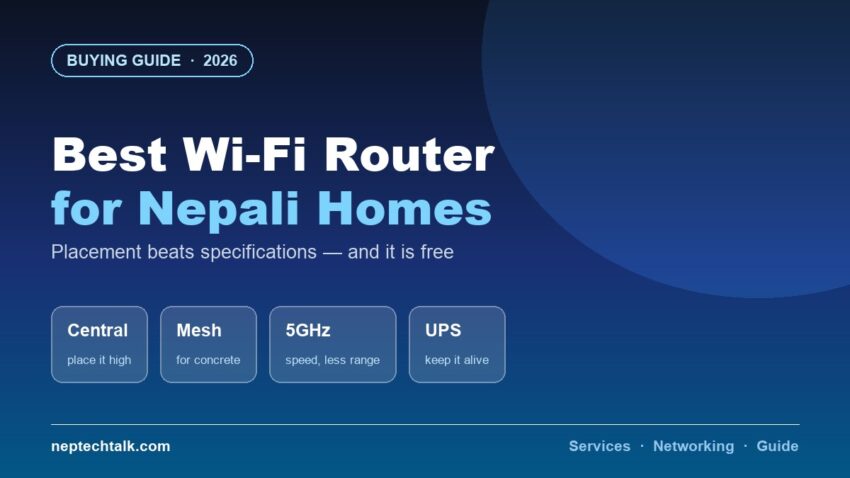
Placement first — it is free and it matters most
Before spending anything, try this.
- Central location. A router in the corner of the house wastes half its coverage into the street.
- High up. On a shelf, not on the floor. Signal spreads downward and outward better from height.
- Away from walls, especially thick concrete ones. Nepali construction is often solid concrete, which blocks Wi-Fi far more than drywall does. This is the single biggest environmental factor here.
- Away from metal objects, mirrors and large appliances
- Away from microwaves and cordless phones, which interfere on 2.4GHz
- Antennas positioned properly — generally one vertical, one horizontal on a two-antenna router
Moving your router to a central, elevated position often improves coverage more than buying a new one. Try it before spending.
Should you replace your ISP’s router?
Sometimes, and the reason matters.
ISP-supplied routers are typically adequate for small flats and basic use. They are chosen on cost, not performance.
Replace it if:
- Your home is large or spread across floors
- Concrete walls are blocking signal between rooms
- You have many connected devices
- You need better features — parental controls, guest networks, VPN support
- The supplied unit is genuinely old
Do not replace it if:
- Your problem is placement — fix that first
- Your problem is your internet plan speed, not Wi-Fi
- Your flat is small and coverage is adequate
Check whether your ISP allows replacing the router, and whether the ONT and router are separate units. In many setups you can keep the ISP’s ONT and add your own router.
Mesh systems — the answer for concrete
For a multi-storey Nepali house with concrete walls, a mesh system is usually the right answer.
A mesh uses multiple units that cooperate to cover the house, rather than one router shouting through walls.
Advantages:
- Genuinely better coverage across floors and through concrete
- Devices move between units automatically
- Expandable — add units as needed
Trade-offs:
- More expensive than a single router
- Wireless backhaul between units reduces speed; wired backhaul is much better where you can run a cable
A single powerful router does not solve a concrete wall. Mesh does.
Specifications that matter
- Wi-Fi standard — a current standard is better, but only if your devices support it
- Dual band or tri-band — 5GHz is faster with less range; 2.4GHz reaches further through walls. Use both.
- Number of antennas and MIMO support, for many devices
- Ethernet ports — for devices that should be wired
- Processor and RAM in the router — matters when many devices are connected
- Firmware update support — genuinely a security matter
What will not fix slow internet
Be clear about what a router can and cannot do.
A router cannot make your connection faster than your plan. If you pay for a certain speed, that is your ceiling regardless of hardware.
Slow internet is usually:
- Your plan speed
- Network congestion at peak times
- The server at the other end
- Too many devices sharing the connection
Test with a wired connection to separate a Wi-Fi problem from an internet problem. If wired is also slow, the router is not your issue.
Power — the part that matters for remote workers
A small UPS on your router and ONT is the highest-value backup purchase for anyone working from home.
During a short outage, your laptop still has battery — what dies is your internet. Our power backup guide covers the sizing, but the short version is that this costs little and saves entire work sessions.
For anyone pursuing remote work for foreign clients, this is infrastructure, not luxury.
Security basics
- Change the default admin password — the most important step, and the most commonly skipped
- Use WPA3 or WPA2 encryption with a strong password
- Update the firmware periodically
- Disable WPS, which has known weaknesses
- Use a guest network for visitors
- Rename the network away from the default, which often reveals the router model
Frequently asked questions
What is the best Wi-Fi router for a Nepali home? For a small flat, the ISP router placed centrally is often enough. For a multi-storey concrete house, a mesh system with wired backhaul where possible.
Why is my Wi-Fi weak in some rooms? Usually concrete walls. Move the router to a central, elevated position first — that is free and often solves it.
Will a new router make my internet faster? No. A router cannot exceed your plan speed. Test with a wired connection to check whether Wi-Fi is even the problem.
Should I use 2.4GHz or 5GHz? 5GHz for speed at shorter range; 2.4GHz to reach further through walls. Use both.
What is the cheapest useful upgrade? Moving the router, then putting a small UPS on it. Neither costs much and both help immediately.
The bottom line
The best Wi-Fi router for a Nepali home is often the one you already have, moved somewhere central and elevated — try that before buying. Concrete walls are the real enemy here, and a mesh system with wired backhaul is the honest answer to them. Then change the admin password and put a UPS on the router, especially if you work from home.